
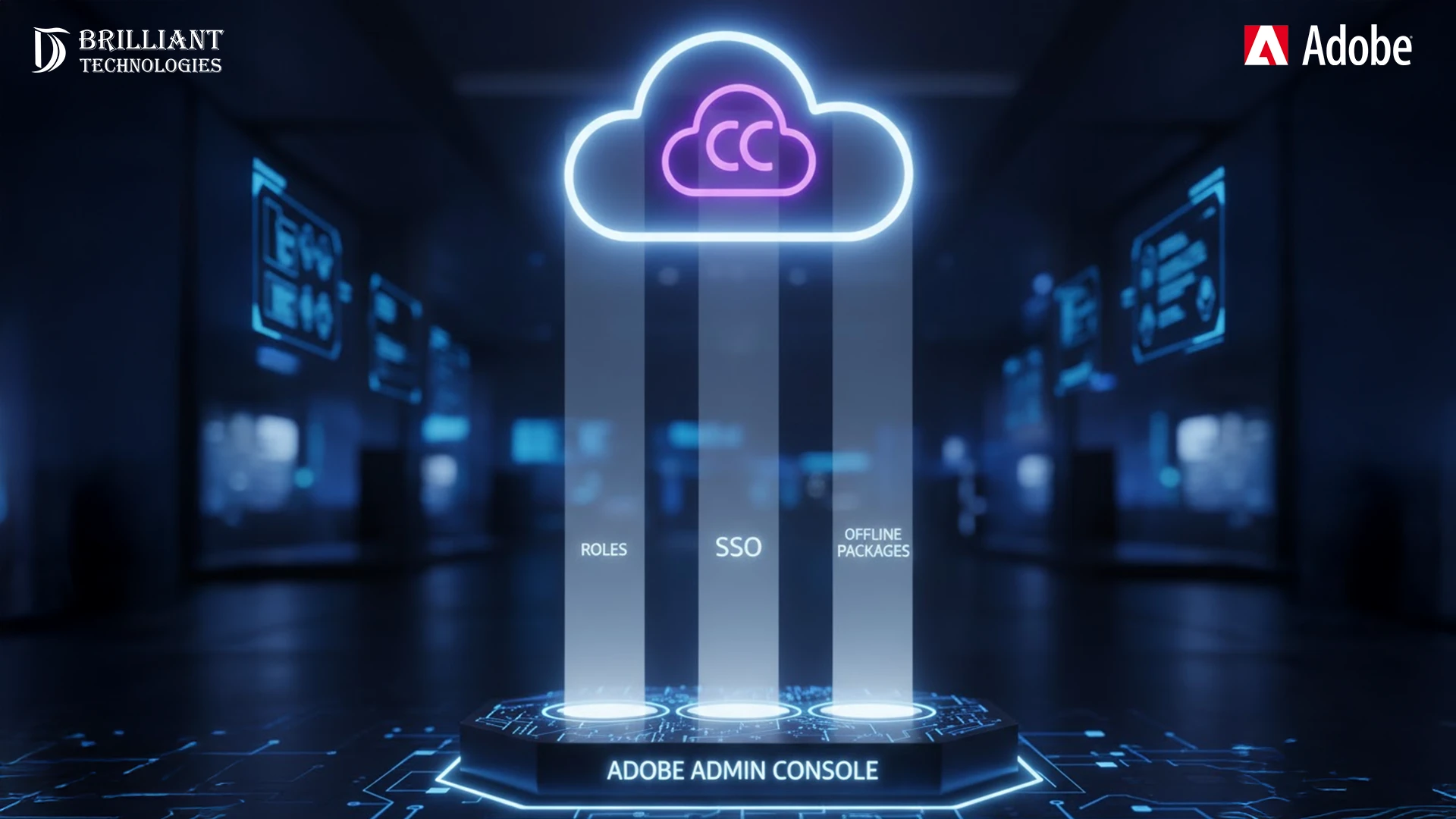
Managing Adobe Creative Cloud for Teams can be challenging for small and medium-sized enterprises (SMEs). However, with the Adobe Admin Console, this process becomes far more efficient and centralized.
At BrilliantTechnologies, we help businesses unlock the full potential of their Adobe environment. Specifically, we guide you through role management, SSO (Single Sign-On) setup, and offline package configuration for Creative Cloud for Teams. As a result, your team works more efficiently and securely.
What is the Adobe Admin Console?
The Adobe Admin Console is the heart of managing Adobe Creative Cloud for Teams. It gives businesses full control over users, licenses, and settings. In other words, it’s your central dashboard for managing Adobe tools.
Moreover, it allows you to configure features such as SSO and user roles, ensuring security and simplicity. For SMEs, this means every Creative Cloud license is tracked, assigned, and utilized efficiently.
Why the Adobe Admin Console Matters for SMEs
For SMEs, the Adobe Admin Console is not just convenient — it’s transformative. Indeed, it simplifies administration, improves security, and boosts productivity.
Key Benefits
- Centralized Control: Manage all Adobe licenses, users, and permissions from one place.
- Improved Efficiency: Automate user management, thereby saving time and reducing manual errors.
- Enhanced Security: With SSO integration, every login is secure and easy to manage.
Therefore, when you optimize your Admin Console with BrilliantTechnologies, your business gains better visibility, compliance, and control.
Key Features of the Adobe Admin Console
1. Roles: Manage User Access with Precision
The Admin Console offers flexible role management, ensuring each user has the correct permissions. This approach not only enhances security but also improves workflow.
Common Roles Include:
- Administrator: Has complete access to settings, licenses, and user management.
- User Manager: Can assign applications but has limited administrative rights.
- Support: Can view information and request help, but cannot make system changes.
In addition, assigning roles appropriately prevents mistakes and maintains a secure structure across your organization.
2. SSO (Single Sign-On): Secure and Seamless Access
Single Sign-On (SSO) is a key component of Adobe’s enterprise security model. With SSO, users sign in once to access all Adobe Creative Cloud apps. As a result, the process is more secure and convenient.
SSO Benefits Include:
- Better Security: User credentials are protected under one verified system.
- Convenience: Employees no longer waste time remembering multiple passwords.
- Centralized Oversight: Admins can easily control and monitor access.
Moreover, BrilliantTechnologies ensures a smooth SSO integration so your users can work efficiently while IT maintains full control.
3. Offline Packages: Keep Your Team Productive Anywhere
In today’s hybrid work environment, connectivity issues can slow productivity. However, offline packages solve this problem by allowing users to work without internet access.
Key Benefits Include:
- Work Anywhere: Continue using Adobe Creative Cloud even in offline mode.
- License Management: Admins can still track and assign offline licenses easily.
- Automatic Syncing: Once connected, all changes automatically sync with the cloud.
Therefore, even when your team is traveling or working remotely, they stay productive and compliant.
At BrilliantTechnologies, we set up offline packages so your team can keep creating — wherever they are.
How BrilliantTechnologies Optimizes Your Adobe Experience
At BrilliantTechnologies, we go beyond setup. In fact, our goal is to optimize your Adobe environment for long-term success.
Our Services Include:
- Custom Setup: We configure the Adobe Admin Console based on your workflow.
- SSO Integration: We handle secure and seamless SSO deployment.
- Offline Package Management: We ensure your users stay productive offline.
- Ongoing Support: We continuously monitor, adjust, and assist as your business grows.
Furthermore, our proactive approach means you’ll always stay one step ahead with your Adobe Creative Cloud tools.
Conclusion: Empower Your SME with the Adobe Admin Console
In conclusion, the Adobe Admin Console is an essential asset for SMEs managing Adobe Creative Cloud for Teams. By combining roles, SSO, and offline packages, you can improve security, productivity, and efficiency across your entire organization.
Ultimately, with BrilliantTechnologies as your Adobe partner, you can expect streamlined management, greater flexibility, and optimized performance.
Empower your team. Simplify your management. Secure your workflow.
Choose BrilliantTechnologies, your trusted partner in Adobe Creative Cloud success.

