DR Drills without the Bill: Test & Document Restores Quarterly | BrilliantTechnologies
Outages happen. Therefore, your team needs a routine that proves recovery works without burning budget. This article gives a clear plan for disaster recovery testing that you can run every quarter. Moreover, it shows how to set objectives, protect backup integrity, and collect evidence your leaders will trust. As a result, resets feel calm, not chaotic, and spend stays under control.
Why a quarterly rhythm matters
First, failure patterns change as apps evolve. Next, people switch roles and forget steps. Consequently, a stale playbook fails when stress is high. Quarterly drills fix that reality. In addition, short practice cycles help teams hit the recovery time objective (RTO) and the recovery point objective (RPO) when it counts.
Set scope and targets before you touch data
Start with outcomes. Define the most critical services and list their dependencies. Then write plain-English targets for RTO and RPO. For example, “Payroll must be online in 60 minutes with no more than 15 minutes of data loss.” In addition, choose drill types: tabletop, functional, or full restore. Finally, tie each drill to a business goal so the work feels meaningful.
Design a drill that costs less
Costs fall when you practice smart. Therefore, restore to a small staging environment where possible. Also, use thin restores that fetch only what the test needs. Moreover, schedule drills during off-peak hours to reuse spare capacity. If storage pricing includes no-charge egress, then you can test without traffic surprises. In any case, track actual spend and adjust the next run.
Build the runbook and the evidence plan
Write steps anyone can follow. First, include who starts, who approves, and who declares success. Next, add exact commands, screens, and time stamps. Then add a checklist for backup integrity: hash checks, anomaly alerts, and immutability status. Finally, plan evidence. Capture time-to-first-byte, time-to-last-file, and gap vs. RPO. As a result, auditors and managers accept the results without debate.
Execute the drill
Begin with a short stand-up. Then restore the target dataset to the staging host. Meanwhile, record every step and keep screenshots. After that, switch a small group of users to the test system. Ask them to open reports, search records, and post a sample transaction. If an issue appears, pause, fix, and repeat the step. Therefore, the team practices both recovery and troubleshooting.
Prove the RTO and the RPO
Now compare measured times to your targets. For example, did the service return in under 60 minutes? Likewise, did the restore meet the allowed data-loss window? If not, update the plan. In addition, mark any vendor tickets, missing permissions, or slow links. Then assign owners and dates. Consequently, the next drill runs faster.
Keep a tight cost profile
Budgets matter. Therefore, tag all drill resources so cost reports are clean. Also, tear down staging systems as soon as the test ends. Moreover, compress logs before you archive them. In addition, adjust object sizes so minor edits do not trigger huge re-uploads. Finally, schedule a brief review with finance so the numbers stay visible and boring.
Team Playbook: Owners, Actions & Handoffs
Clarity speeds recovery. The incident lead runs the drill. The platform engineer restores services. The application owner validates data. The security analyst checks access and keys. The recorder captures evidence. Meanwhile, BrilliantTechnologies supports the runbook, the tooling, and the after-action review.
A 90-minute template you can reuse
- Minutes 0-10: Kickoff; confirm scope, RTO, and RPO.
- Minutes 10-40: Restore to staging; run backup integrity checks.
- Minutes 40-60: App owner tests reads and writes.
- Minutes 60-80: Fix issues; rerun failing steps.
- Minutes 80-90: Record results; update runbook and owners.
Close the loop with an after-action review
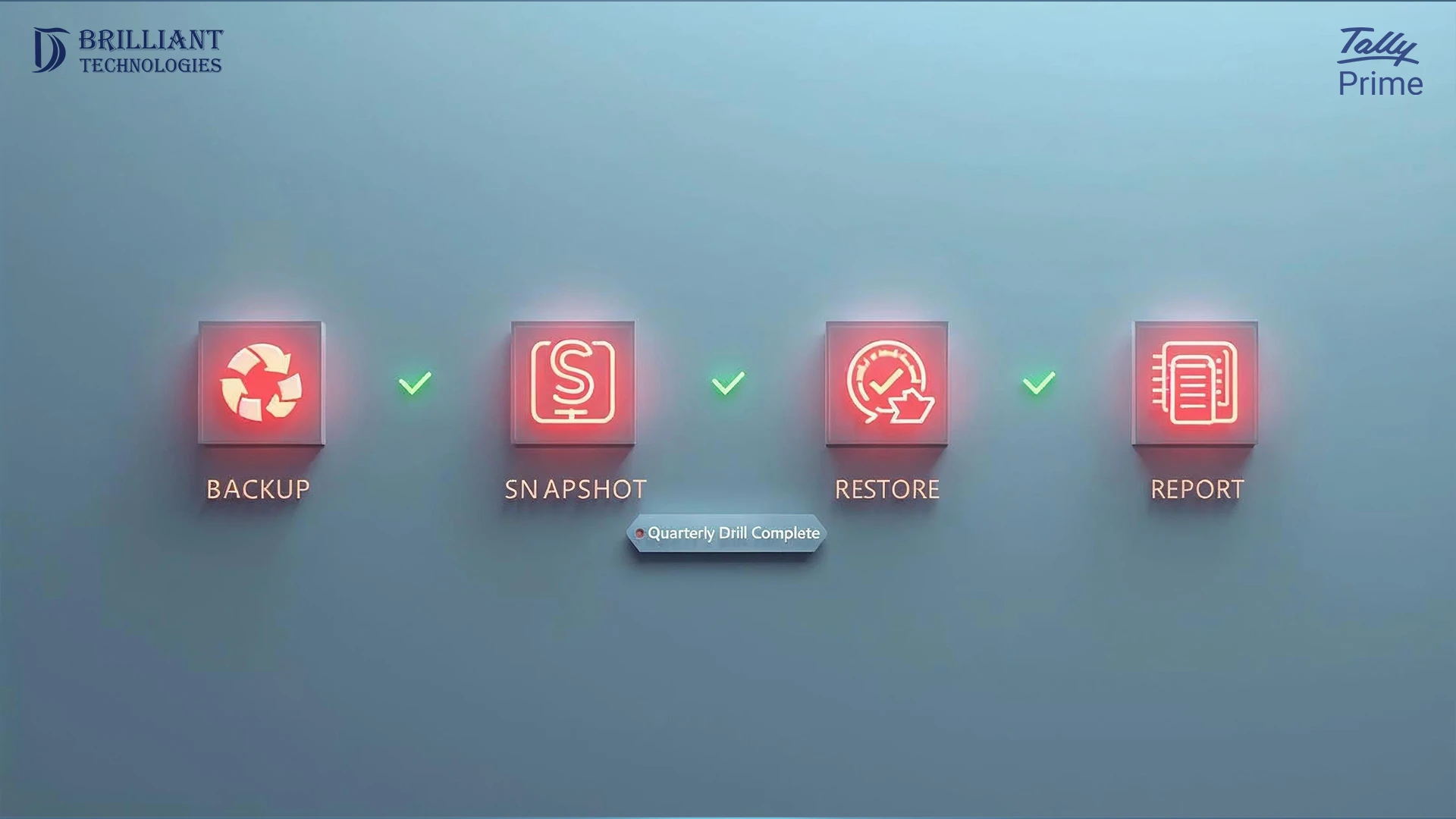
Immediately write a one-page summary. First, list what worked. Next, list the top three fixes. Then set the date for the next test. Finally, publish the evidence to your internal wiki. As a result, new hires learn the process fast and leaders see steady progress.
Why BrilliantTechnologies
BrilliantTechnologies helps teams make testing for disaster recovery simple, fast, and repeatable. We define RTO/RPO targets, script restores, and automate evidence so approvals move quickly. Moreover, we tune drills to keep costs low while keeping backup integrity high. Finally, we set up a cadence you can trust, quarter after quarter.
Practice small and often. Therefore, write clear targets, restore to staging, and capture proof. When you run disaster recovery testing every quarter, you hit your RTO, protect your RPO, and keep the bill under control.