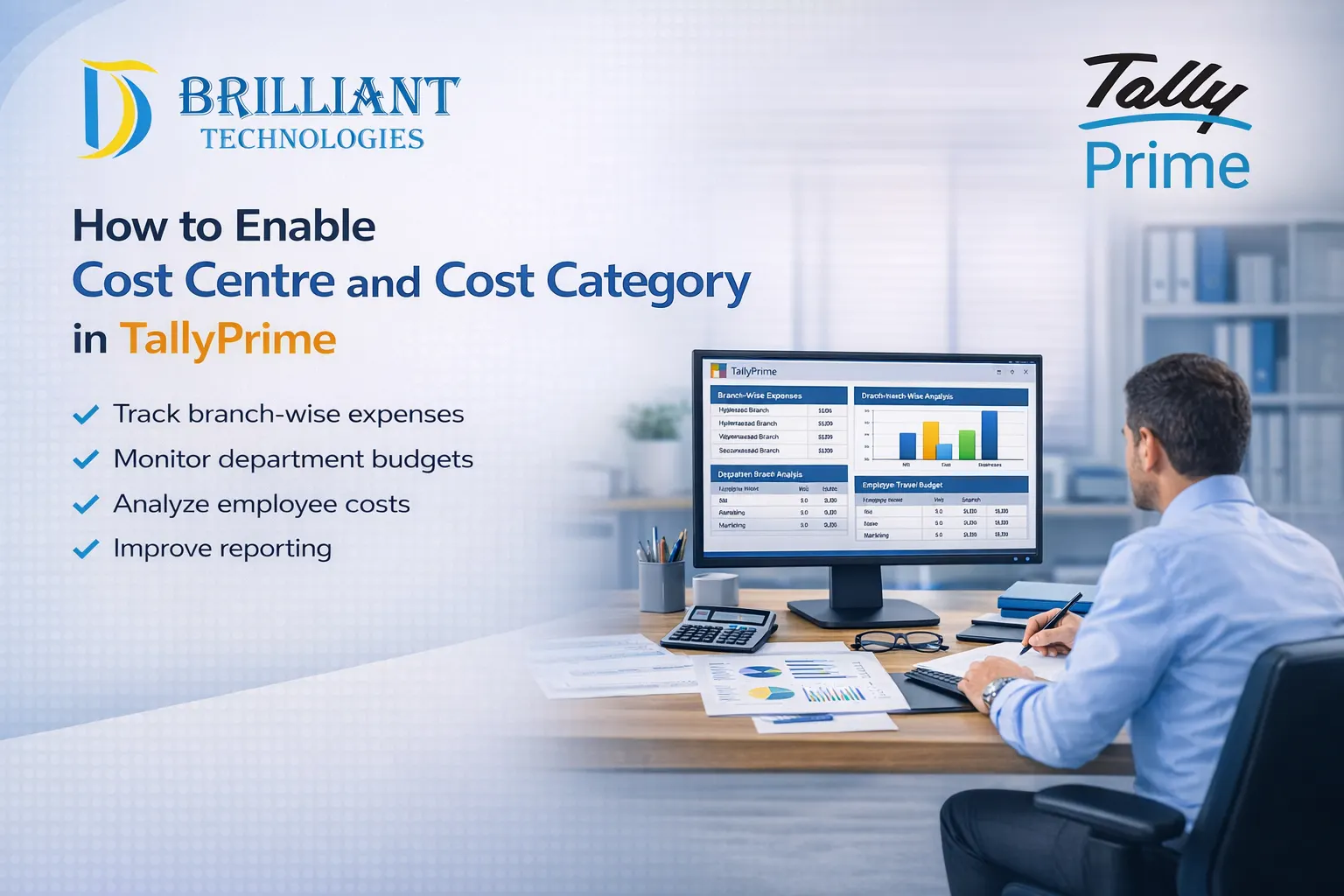
For growing businesses, keeping track of where money is being spent is just as important as tracking sales. Many business owners want to know which branch, department, employee, or project is generating costs. This is exactly where Cost Centre and Cost Category in TallyPrime become useful.
At Brilliant Technologies, a trusted Tally solutions company in Hyderabad, we often help SMEs simplify department wise expense tracking and improve reporting without making accounting complicated.
What is Cost Centre and Cost Category in TallyPrime?
A Cost Centre helps you track expenses or income for a specific unit of your business.
For example, you can create cost centres like:
- Sales Department
- Marketing Team
- Hyderabad Branch
- Vijayawada Branch
- Employee-wise travel expenses
This makes employee wise cost analysis and department wise cost tracking in TallyPrime much easier.
A Cost Category, on the other hand, is used when you want to group multiple cost centres under a broader structure.
For instance:
- Branch Wise Category
- Hyderabad
- Secunderabad
- Department Wise Category
- HR
- Sales
- Accounts
As a result, businesses can perform better reporting and comparisons.
Why is it Important for Businesses?
Many SMEs struggle to understand where expenses are increasing.
Common questions include:
- Which branch is spending more?
- Which department has higher operational costs?
- How much travel expense is spent per employee?
- Which project is consuming more budget?
Without proper tracking, it becomes difficult to control costs.
Therefore, how to track branch expenses in TallyPrime becomes a key requirement for growing businesses.
This is why cost centre in TallyPrime Hyderabad setups are widely used by SMEs, distributors, service companies, and multi-branch businesses.
Common Challenges Businesses Face
In many companies, expenses are recorded under one ledger such as “Office Expenses” or “Travel Expenses.”
However, this creates confusion because you cannot identify:
- who spent it
- where it was spent
- which department used the budget
Consequently, decision-making becomes difficult.
Moreover, during audits or monthly reviews, management often needs department wise expense tracking reports.
Without proper TallyPrime cost category configuration Hyderabad, reports may remain unclear.
How to Enable Cost Centre and Cost Category in TallyPrime
Here is the step by step cost centre setup in TallyPrime:
Step 1: Enable Cost Centre
Go to:
Gateway of Tally → F11 (Features) → Accounting
Enable:
Maintain Cost Centres – Yes
This will enable cost centre in TallyPrime.
Step 2: Enable Cost Category
In the same screen, enable:
More than one Cost Category – Yes
This helps when you need how to enable cost category in TallyPrime for multiple reporting structures.
Step 3: Create Cost Categories
Go to:
Create → Cost Categories
Create categories like:
- Branch
- Department
- Employee
Step 4: Create Cost Centres
Now go to:
Create → Cost Centres
Assign them under relevant categories.
This completes how to enable cost centre and cost category in TallyPrime.
Practical Benefits for SMEs
With proper TallyPrime cost centre setup Hyderabad, businesses can:
- track branch wise profitability
- monitor department budgets
- perform employee wise cost analysis
- improve internal controls
- reduce unnecessary expenses
Additionally, it supports better business planning and growth decisions.
Conclusion:
At Brilliant Technologies, our team provides Tally implementation Hyderabad, Tally customization Hyderabad, Tally support Hyderabad, and reliable Tally services Hyderabad for SMEs across industries.
As an authorized Tally partner Hyderabad and trusted TallyPrime dealer Hyderabad, we focus on practical solutions that business owners can actually use.
FAQs
1. What is a cost centre in TallyPrime?
A cost centre is used to track expenses and income for departments, branches, projects, or employees separately.
2. How do I enable cost centre in TallyPrime?
Go to F11 Features → Accounting → Maintain Cost Centres → Yes.
3. Why use cost categories in TallyPrime?
Cost categories help organize multiple cost centres into broader groups like branch-wise and department-wise reporting.
4. Can SMEs use cost centres?
Yes, it is highly useful for small and medium businesses to track branch and department expenses.
5. Where can I get Tally support in Hyderabad?
Brilliant Technologies provides expert Tally support Hyderabad, implementation, and customization services.