
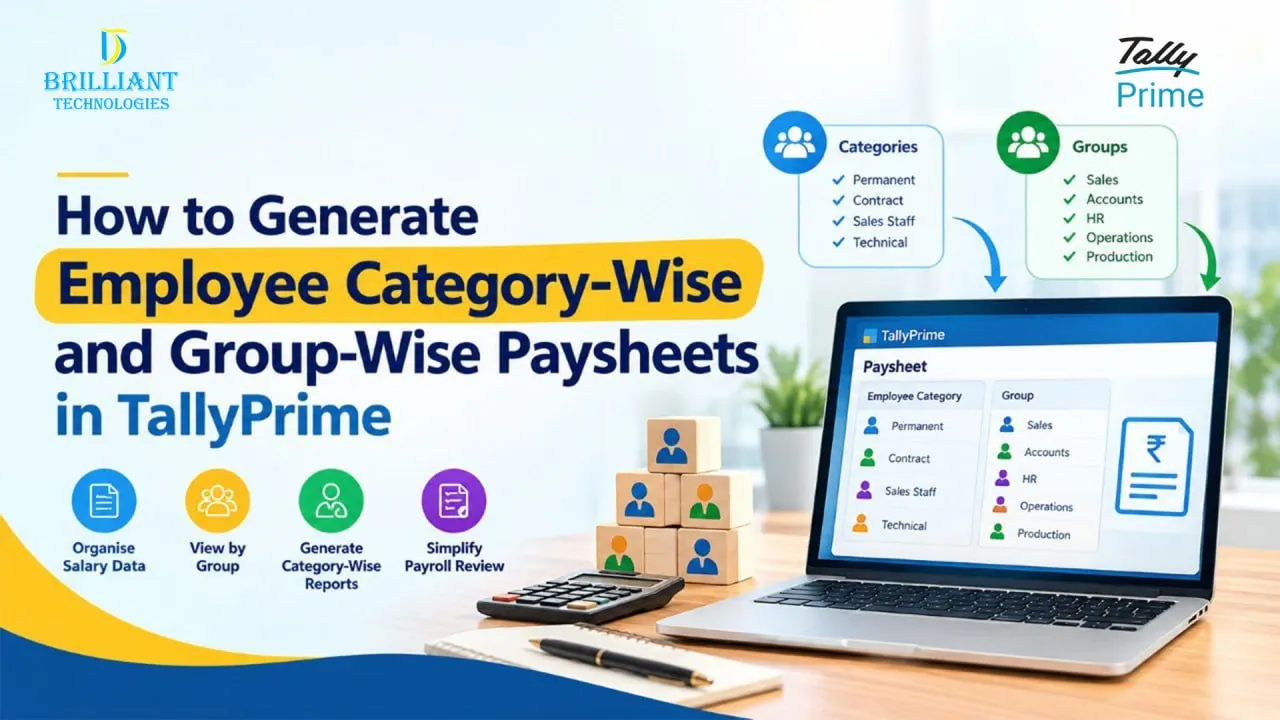
Managing payroll becomes more complicated as a business grows. When employees are divided into different categories, departments, teams, or groups, preparing salary reports manually can take considerable time and may make it difficult to review payroll information accurately.
TallyPrime payroll helps businesses organise employee salary information and generate useful payroll reports. One of the practical reporting requirements for businesses is viewing paysheets based on employee categories or groups.
For businesses looking for TallyPrime payroll software in Hyderabad, understanding these reporting capabilities can help them decide whether TallyPrime fits their payroll and reporting requirements.
What Is an Employee Category-Wise Paysheet?
An employee category-wise paysheet is a payroll report that presents salary information according to defined employee categories.
For example, a company may have categories such as:
- Permanent employees
- Contract employees
- Sales staff
- Administrative staff
- Technical employees
Instead of reviewing every employee individually, the payroll team can use category-based reporting to understand salary information for a particular employee group.
This can make monthly payroll review and payroll reporting easier, particularly for organisations with a large workforce.
What Is an Employee Group-Wise Paysheet in TallyPrime?
An employee group-wise paysheet organises payroll information according to employee groups created within the payroll structure.
Businesses may use groups to organise employees based on departments, functions, locations, or other internal classifications.
For example:
- Sales
- Accounts
- Human Resources
- Operations
- Production
A group-wise paysheet can help management and payroll teams review salary information for a specific group rather than going through the complete employee list.
How Do You Generate an Employee Category-Wise Paysheet in TallyPrime?
The exact payroll configuration can vary depending on the way an organisation has structured its employee information. In general, the process involves setting up the appropriate employee categories or groups and then using the relevant payroll reporting options.
A typical workflow is:
1. Set Up Employee Information
Begin by maintaining employee records with the relevant details required for payroll processing.
This provides a structured foundation for salary calculations and reporting.
2. Organise Employees into Categories or Groups
Employees can be organised according to the company’s payroll structure.
For example, employees may be classified by department, designation, project, or another business requirement.
3. Configure Payroll Details
Maintain the salary-related information and payroll components required for processing employee salaries.
A properly configured payroll structure makes subsequent reporting more useful.
4. Open the Relevant Payroll Report
Navigate to the appropriate payroll reporting area in TallyPrime and select the report required for reviewing employee salary information.
5. Apply the Required Reporting Criteria
Depending on the report and configuration, select the relevant employee category or group to narrow the information you want to review.
This allows the payroll team to focus on the required set of employees.
6. Review the Paysheet
Review the resulting paysheet to check salary details, payroll components, and other available information.
The report can then be used as part of the organisation’s regular payroll review process.
How TallyPrime Simplifies Payroll Reporting
Payroll teams often need more than a single monthly salary figure. They may need to review employee-wise information, group-wise payroll, salary components, and other payroll details.
Using structured TallyPrime payroll reports can make this information easier to review.
Some useful reporting approaches include:
- Employee-wise payroll reports
- Employee category-wise reports
- Employee group-wise reports
- Salary-related reports
- Payroll summaries
- Paysheets and payslips
- Employee salary details
The availability of specific reports and options depends on the TallyPrime version and the payroll configuration being used.
Why Employee Group-Wise Payroll Reporting Matters
Group-wise payroll reporting can be particularly useful when different teams have different salary structures or when management wants to analyse payroll costs across departments.
For example, a business may want to compare payroll information for its Sales and Accounts teams without reviewing the entire workforce.
This type of payroll reporting can support routine salary verification and internal review.
It can also reduce the need to maintain separate manual spreadsheets for every employee group.
Who Can Benefit from TallyPrime Payroll?
TallyPrime can be useful for businesses that want to bring accounting and payroll-related processes into a structured business management environment.
It can be considered by:
- Small and medium-sized businesses
- Trading companies
- Service businesses
- Manufacturing organisations
- Growing companies with multiple employee groups
- Businesses that need structured payroll reporting
For companies evaluating TallyPrime for payroll, the right configuration is important. Payroll requirements can differ significantly depending on employee structure, salary components, statutory requirements, and reporting needs.
TallyPrime Payroll Software in Hyderabad
Businesses searching for TallyPrime payroll software in Hyderabad often look beyond the software itself. They may also need assistance with implementation, configuration, training, customization, and ongoing support.
Working with an experienced TallyPrime service provider in Hyderabad can help businesses understand their requirements and configure the software appropriately.
For organisations with specific reporting requirements, TallyPrime customization in Hyderabad can also be considered where standard functionality does not fully address a particular business workflow.
Businesses can also seek TallyPrime implementation in Hyderabad to help with setup, data migration, configuration, user training, and deployment based on their requirements.
Why Choose a TallyPrime Partner in Hyderabad?
Selecting the right implementation and support partner can be important when a business depends on TallyPrime for day-to-day accounting and payroll activities.
A reliable Authorized Tally Partner in Hyderabad can assist businesses with areas such as:
- TallyPrime implementation
- Payroll configuration
- User training
- TallyPrime customization
- Data-related assistance
- Troubleshooting
- Ongoing TallyPrime support
For businesses already using TallyPrime, local TallyPrime support in Hyderabad can also help resolve configuration or operational issues more efficiently.
Employee-Wise vs Category-Wise vs Group-Wise Paysheets
These reporting methods serve slightly different purposes.
Employee-wise paysheet:
Useful when the payroll team needs to review salary information for individual employees.
Category-wise paysheet:
Useful when employees are organised into defined categories and the business wants to review payroll for a particular category.
Group-wise paysheet:
Useful when employees are arranged into departments, teams, or other groups for payroll analysis.
Choosing the right report depends on how the organisation has structured its employee and payroll information.\
Conclusion
Employee category-wise and group-wise paysheets can make payroll information easier to organise and review. Instead of depending entirely on manual spreadsheets, businesses can use structured payroll reporting to view employee salary information according to their organisational requirements.
For businesses evaluating TallyPrime payroll management, the right setup and reporting structure can make a significant difference.
If you are looking for TallyPrime software in Hyderabad, implementation support, payroll configuration, or customization, working with an experienced Tally software provider in Hyderabad from Brilliant Technologies can help you set up TallyPrime according to your business needs.
Frequently Asked Questions
How do I generate an employee category-wise paysheet in TallyPrime?
First, ensure that employee information and the required payroll categories are properly configured. Then open the relevant payroll report and apply the required category-wise reporting criteria.
Can TallyPrime generate group-wise paysheets?
Yes, TallyPrime provides payroll reporting capabilities that can help businesses review employee salary information based on their configured employee structure and reporting requirements.
Can I generate employee-wise paysheets in TallyPrime?
Yes. Employee-wise payroll information can be reviewed through the relevant payroll reports, subject to the configuration and TallyPrime version being used.
How does TallyPrime help with payroll reporting?
TallyPrime helps businesses maintain structured payroll information and access different payroll reports for reviewing employee salary and payroll-related details.
Is TallyPrime suitable for payroll management?
TallyPrime can be suitable for businesses that need structured payroll processing and reporting alongside their accounting operations. The suitability depends on the organisation’s payroll requirements and configuration.
Where can I get TallyPrime payroll support in Hyderabad?
Businesses can work with a TallyPrime partner in Hyderabad for implementation, payroll configuration, customization, training, and ongoing support.
Simplify Payroll Reporting with TallyPrime.
Get TallyPrime Payroll Support in Hyderabad today.
https://brillianttechnologies.net/tallyprime-software/