For many business owners and accountants, compliance is not just about paying taxes — it’s about maintaining clear records and staying confident during audits. One such important compliance requirement is Tax Collected at Source (TCS).
If you are using TallyPrime, generating the TCS report in TallyPrime is simple and systematic — once you understand how it works.
In this article, we’ll explain the concept of TCS, why it matters, common business challenges, and how to generate the TCS computation in TallyPrime step by step.
What is TCS and Why Does It Matter?
Tax Collected at Source (TCS) is a tax that sellers collect from buyers at the time of sale and deposit with the government. It applies to specific goods and transactions as per income tax rules.
For businesses, TCS compliance is important because:
- It avoids penalties and notices.
- It ensures proper tax reconciliation.
- It builds trust during audits and financial reviews.
- It keeps your books accurate and up to date.
Even a small mismatch in your Tax Collected at Source report in TallyPrime can create confusion later. That’s why generating and reviewing reports regularly is essential.
Common Challenges Businesses Face
Many SMEs and accountants face issues like:
- Difficulty tracking TCS collected from multiple customers
- Confusion in calculating correct TCS rates
- Errors in TCS ledger posting
- Problems in matching TCS payable with government returns
- Unclear TCS tax report format in Tally
Manual calculations increase the risk of mistakes. And during filing time, businesses struggle to reconcile data quickly.
This is where TallyPrime simplifies the process.
How TallyPrime Helps with TCS Management
TallyPrime is designed to automatically calculate and track TCS when configured properly.
It helps you:
- Automatically calculate TCS during sales entry
- Maintain proper TCS ledgers
- View customer-wise and period-wise details
- Generate accurate TCS payable report in TallyPrime
- Access structured TallyPrime TCS summary report
Instead of manual Excel sheets, everything is available within your accounting system.
How to Generate TCS Computation Report in TallyPrime
Here is a simple step-by-step process to Generate TCS statement in TallyPrime:
Step 1: Enable TCS in TallyPrime
- Go to Gateway of Tally
- Select F11 (Features)
- Enable Tax Collected at Source (TCS)
Make sure your TCS ledgers are properly created.
Step 2: Go to Statutory Reports
- From Gateway of Tally
- Select Display More Reports
- Click on Statutory Reports
- Choose TCS Reports
Here, you can access different TCS reports.
Step 3: View TCS Computation Report
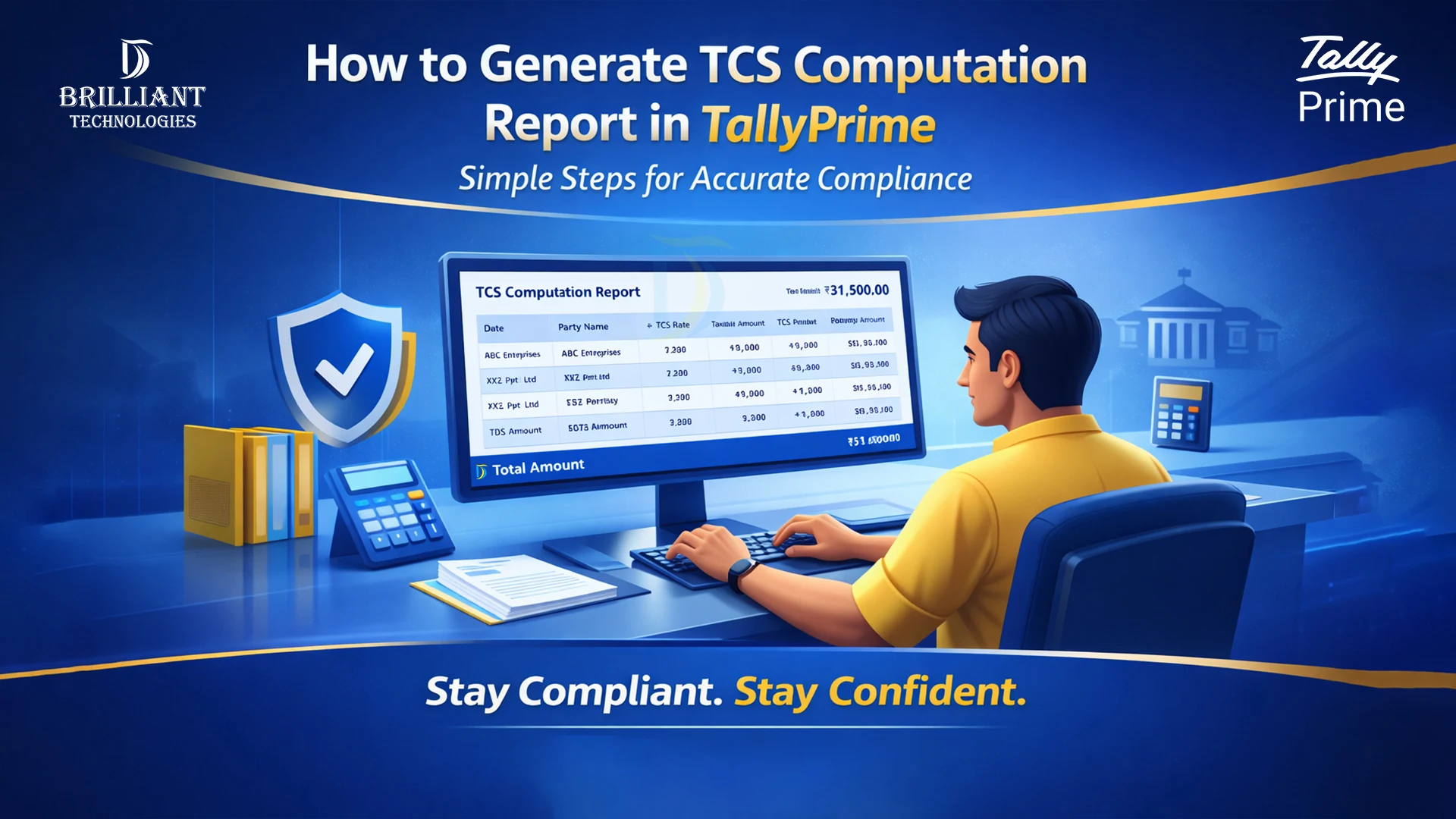
Select TCS Computation to see:
- Total TCS collected
- Party-wise details
- Rate of TCS applied
- Tax amount collected
- Net payable amount
This report gives you a clear TCS computation in TallyPrime for the selected period.
Step 4: Check TCS Payable Report
To review how much tax you need to deposit:
- Open the TCS payable report in TallyPrime
- Verify due amounts
- Cross-check ledger balances
This helps you ensure timely payment and avoid penalties.
Step 5: Review Ledger-Level Details
If you want customer-specific details:
- Open the TCS ledger report in Tally
- Select the relevant party ledger
- Drill down to transaction level
This is especially useful during audits or client clarifications.
Understanding the TCS Report Format in Tally
The TCS tax report format in Tally is structured and easy to read. It includes:
- Transaction date
- Voucher number
- Party name
- Taxable amount
- TCS rate
- TCS amount
- Total amount
Because everything is linked to actual vouchers, you can drill down and verify entries instantly.
Practical Benefits for SMEs
When used properly, TallyPrime gives small and medium businesses:
- Clear compliance visibility
- Faster monthly reconciliation
- Reduced calculation errors
- Better cash flow planning
- Quick response during assessments
Instead of spending hours preparing tax summaries, businesses can generate a ready Tax Collected at Source report in TallyPrime in minutes.
Why the Right Tally Setup Matters
Many TCS-related errors happen not because of Tally, but due to improper configuration or ledger setup.
Correct:
- TCS ledger creation
- Party master configuration
- Tax rate setup
- Voucher entry process
These small settings make a big difference in report accuracy.
At Brilliant Technologies, Hyderabad, we regularly help SMEs streamline their Tally implementation, ensure correct statutory configuration, and automate reporting processes. Our focus is not just software installation, but making sure your business runs smoothly with confidence.
Conclusion
Generating a TCS report in TallyPrime is simple when your system is properly configured. With accurate TCS computation in TallyPrime, clear TCS payable report in TallyPrime, and structured summary reports, businesses can stay compliant without stress.
For SMEs, clarity in tax reporting means better control, fewer surprises, and stronger financial management.
Choosing the right Tally partner ensures your system is set up correctly from day one — helping your business stay compliant, confident, and ready for growth.