
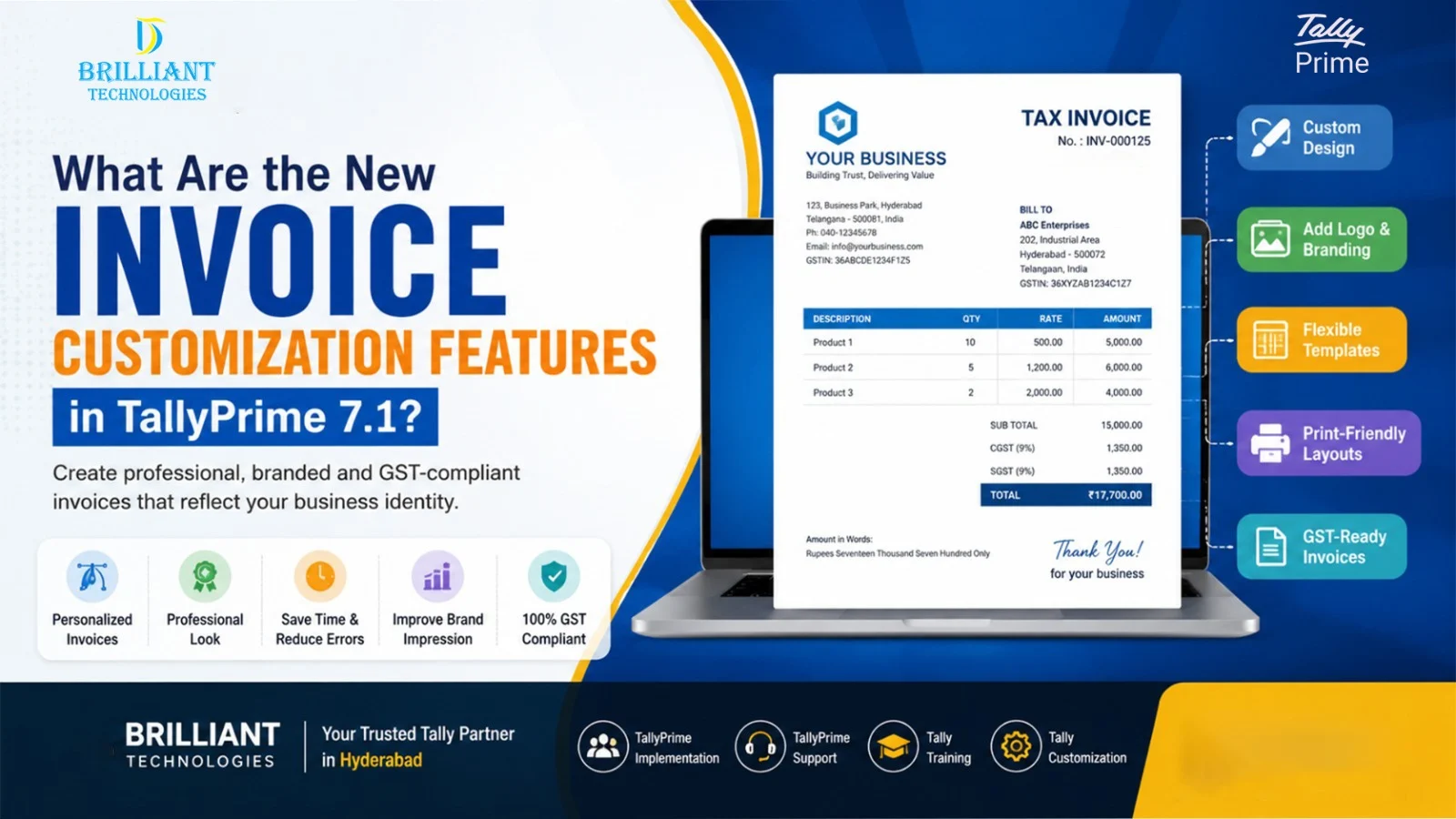
Every business wants its invoices to look professional, accurate, and easy to understand. Whether you run a retail store, a manufacturing company, or a service business, invoices represent your brand and play an important role in customer communication. That’s why TallyPrime 7.1 invoice customization has become one of the most useful updates for businesses across India.
Instead of using a standard invoice format, you can now create documents that better reflect your company’s identity while meeting GST requirements. As a result, businesses can save time, improve accuracy, and present a more professional image.
Why Is Invoice Customization Important?
An invoice is not just a document used to collect payments. It also reflects your business, provides customers with clear transaction details, and helps maintain accurate financial records. In fact, it helps customers understand the products or services they purchased while supporting GST compliance and record keeping.
However, many businesses face common challenges, such as:
- Generic invoice layouts that don’t match their brand
- Difficulty adding logos or business details
- Limited flexibility in invoice formatting
- Time spent editing invoices manually
- Inconsistent invoice presentation
Fortunately, Invoice customization in TallyPrime 7.1 addresses many of these everyday issues.
What’s New in TallyPrime 7.1 Invoice Features?
The new invoice customization features in TallyPrime 7.1 make invoice creation much more flexible without requiring advanced technical knowledge.
Some of the most useful improvements include:
- Better TallyPrime invoice template options
- Improved TallyPrime invoice design settings
- Easier TallyPrime 7.1 invoice personalization
- Support to create branded invoices in TallyPrime
- Simpler GST invoice customization TallyPrime options
- More flexible invoice printing layouts
- Better control over business information, logos, and branding
Because of these updates, businesses can create a professional invoice in TallyPrime that looks consistent across every customer transaction.
How to Customize Invoices in TallyPrime 7.1
If you’re wondering how to customize invoices in TallyPrime 7.1, the process is much easier than before.
Depending on your business requirements, you can:
- Add your company logo
- Update invoice headers and footers
- Display GST details clearly
- Modify the invoice layout
- Choose different printing formats
- Personalize invoice information for your business
Similarly, businesses looking for how to customize GST invoices in TallyPrime 7.1 can configure invoice settings to meet GST requirements while maintaining a clean and professional appearance.
How TallyPrime Helps Small and Medium Businesses
The TallyPrime latest invoice features are designed to reduce manual work and improve consistency.
With TallyPrime custom invoice options, businesses can:
- Build customer trust with professional invoices
- Improve brand visibility
- Reduce invoice preparation time
- Minimize billing errors
- Maintain GST-ready documentation
- Improve overall business efficiency
As your business grows, these improvements also make billing easier for your accounts team.
Choosing the Right Tally Partner
Using the latest software is only one part of success. Proper implementation and ongoing support also make a significant difference.
Businesses looking for TallyPrime in Hyderabad often choose experienced experts who understand accounting, GST, and business workflows. As an Authorized Tally Partner in Hyderabad, provides to help businesses get the most value from their software.
Whether you’re planning to Buy TallyPrime in Hyderabad, searching for a reliable TallyPrime Dealer in Hyderabad, a trusted TallyPrime Partner in Hyderabad, a dependable Tally Solutions Partner Hyderabad, or an experienced Tally Software Dealer Hyderabad, choosing the right guidance can simplify your accounting journey.
Conclusion
The best invoice customization features in TallyPrime 7.1 help businesses create clear, professional, and GST-compliant invoices without unnecessary complexity. From better Invoice personalization to improved Invoice template flexibility, these updates make daily billing more efficient for businesses of every size.
If you are already using Tally Software Hyderabad or planning an upgrade, understanding these features can help you improve your billing process while delivering a better experience for your customers. With practical expertise and reliable support, Brilliant Technologies Hyderabad continues to help SMEs adopt smarter business solutions with confidence.
Frequently Asked Questions (FAQs)
1. What are the new invoice customization features in TallyPrime 7.1?
TallyPrime 7.1 introduces improved invoice templates, branding options, flexible layouts, GST-friendly settings, and easier invoice personalization for businesses.
2. How do I customize invoices in TallyPrime 7.1?
You can customize invoices by updating the invoice layout, adding your company logo, modifying headers and footers, selecting different print formats, and configuring GST details.
3. Can I create a professional invoice in TallyPrime?
Yes. TallyPrime allows businesses to create professional invoices with customized designs, branding elements, and business-specific information.
4. Does TallyPrime 7.1 support GST invoice customization?
Yes. The latest version offers better GST invoice customization, making it easier to generate accurate and compliant GST invoices.
5. Why should businesses upgrade to TallyPrime 7.1?
Upgrading gives businesses access to enhanced invoice customization, improved usability, better GST support, and new productivity features that simplify everyday accounting tasks.