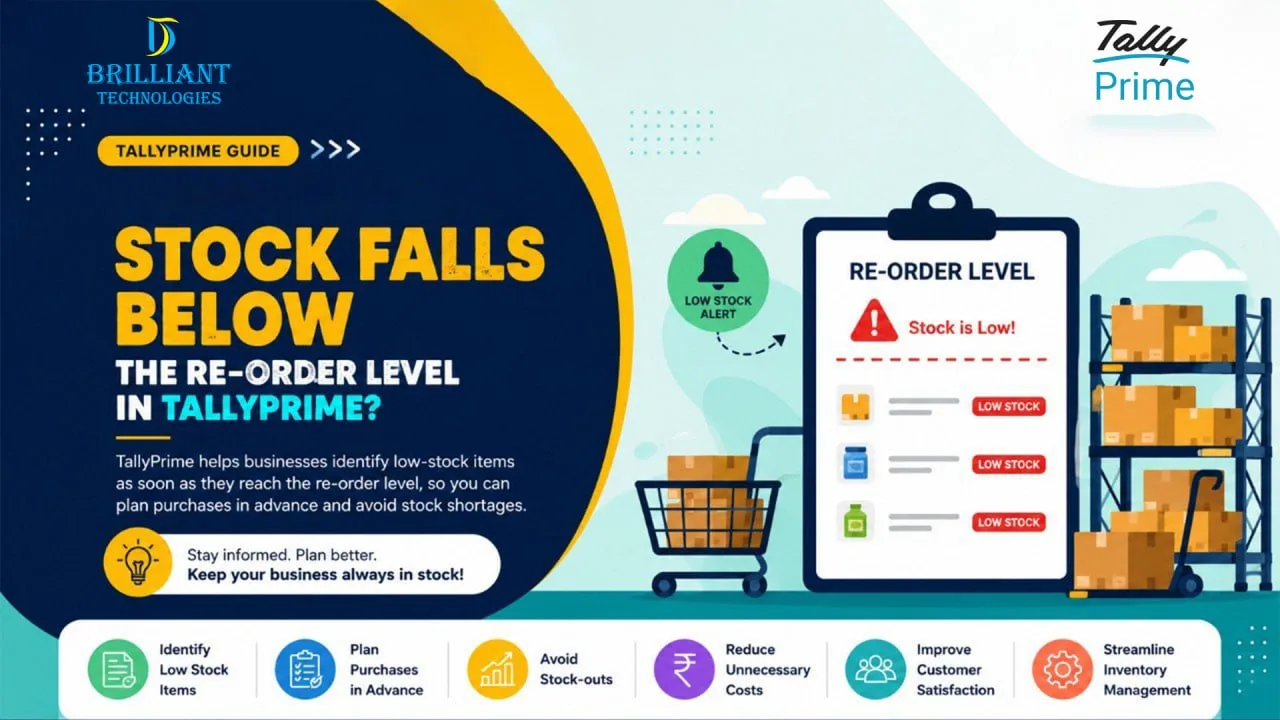
For many businesses, running out of stock at the wrong time can lead to missed sales, unhappy customers, and unnecessary pressure on the purchasing team. Therefore, keeping the right inventory levels is essential for smooth operations.
So, what happens when stock falls below reorder level in TallyPrime? Simply put, TallyPrime helps businesses identify items that are running low so they can plan purchases before stock shortages affect daily operations.
Understanding Re-order Levels in TallyPrime
A re-order level is the minimum quantity of an item that should be available in stock. Once inventory reaches or drops below this level, it signals that fresh stock needs to be ordered.
For example, if a product has a re-order level of 50 units and the available stock falls to 50 or below, the item appears in the re-order status report. As a result, businesses can take timely action and avoid disruptions.
Many organizations using re order level in TallyPrime Hyderabad rely on this feature to maintain healthy inventory levels throughout the year.
Why Is This Important for Businesses?
For many businesses, stock plays a vital role in keeping daily operations running smoothly. However, managing stock manually can be challenging.
Without a proper inventory management process, businesses may face the following:
Unexpected stock shortages
Delayed customer deliveries
Emergency purchasing costs
Excess inventory investment
Reduced operational efficiency
Consequently, businesses need a reliable stock control system that provides better visibility into inventory movement.
How Does TallyPrime Identify Low Stock Items?
A common question business owners ask is: How does TallyPrime identify low stock items?
TallyPrime compares the current stock quantity with the predefined re-order level and reorder quantity settings. Whenever inventory reaches the specified limit, the software highlights those products in inventory reports.
Additionally, inventory reorder alerts in TallyPrime help users quickly identify items that require replenishment.
This makes tallyprime stock shortage management much easier, especially for growing businesses handling multiple products.
How TallyPrime Helps Manage Re-order Levels
TallyPrime offers practical tools that simplify inventory monitoring and purchasing decisions.
Some key advantages include:
Easy tally stock reorder settings Hyderabad
Accurate tallyprime reorder quantity setup
Quick access to low-stock reports
Better purchase planning
Improved inventory tracking
Reduced risk of stock-outs
Furthermore, businesses using low stock notification TallyPrime features can stay informed before inventory becomes a problem.
As part of effective tallyprime inventory management Hyderabad, these tools help businesses make smarter purchasing decisions and maintain stock availability.
Practical Benefits for SMEs
Many growing businesses need to manage their inventory carefully while working within a fixed budget. Therefore, efficient inventory management becomes even more important.
With tallyprime purchase planning software Hyderabad, businesses can:
Improve cash flow management
Reduce excess stock holding
Prevent lost sales opportunities
Enhance customer satisfaction
Streamline purchasing activities
As a result, business owners can make purchasing decisions based on accurate stock information rather than guesswork.
Conclusion
Keeping stock levels under control plays an important role in the smooth growth of any business.When stock falls below the re-order level, TallyPrime provides timely visibility so businesses can act before shortages occur.
At Brilliant Technologies, we help businesses make better use of TallyPrime by simplifying inventory management, improving stock visibility, and supporting day-to-day operations. With years of experience working with SMEs across Hyderabad, our team focuses on practical solutions that help businesses work more efficiently and make informed decisions.
Frequently Asked Questions (FAQs)
1. What happens when stock falls below reorder level in TallyPrime?
TallyPrime identifies the item in re-order reports and alerts users that fresh stock should be purchased to maintain inventory levels.
2. How does TallyPrime help track low-stock items?
The software compares available stock with predefined re-order levels and displays items that require replenishment.
3. What is a re-order level in TallyPrime?
A re-order level is the minimum stock quantity that triggers a purchase planning action.
4. Can TallyPrime help prevent stock shortages?
Yes. TallyPrime helps businesses monitor inventory and plan purchases before stock reaches critical levels.
5. Why is re-order quantity important?
A proper reorder quantity ensures businesses purchase the right amount of stock while avoiding overstocking or understocking.
6. Who can help with TallyPrime inventory setup in Hyderabad?
Businesses looking to improve inventory management can benefit from expert guidance, proper TallyPrime setup, user training, and ongoing support. Working with an experienced Tally partner helps ensure that inventory processes are configured correctly and aligned with business needs.